30 December 2025
Migrating to a NAS: Jellyfin, NPM and securing with Teleport
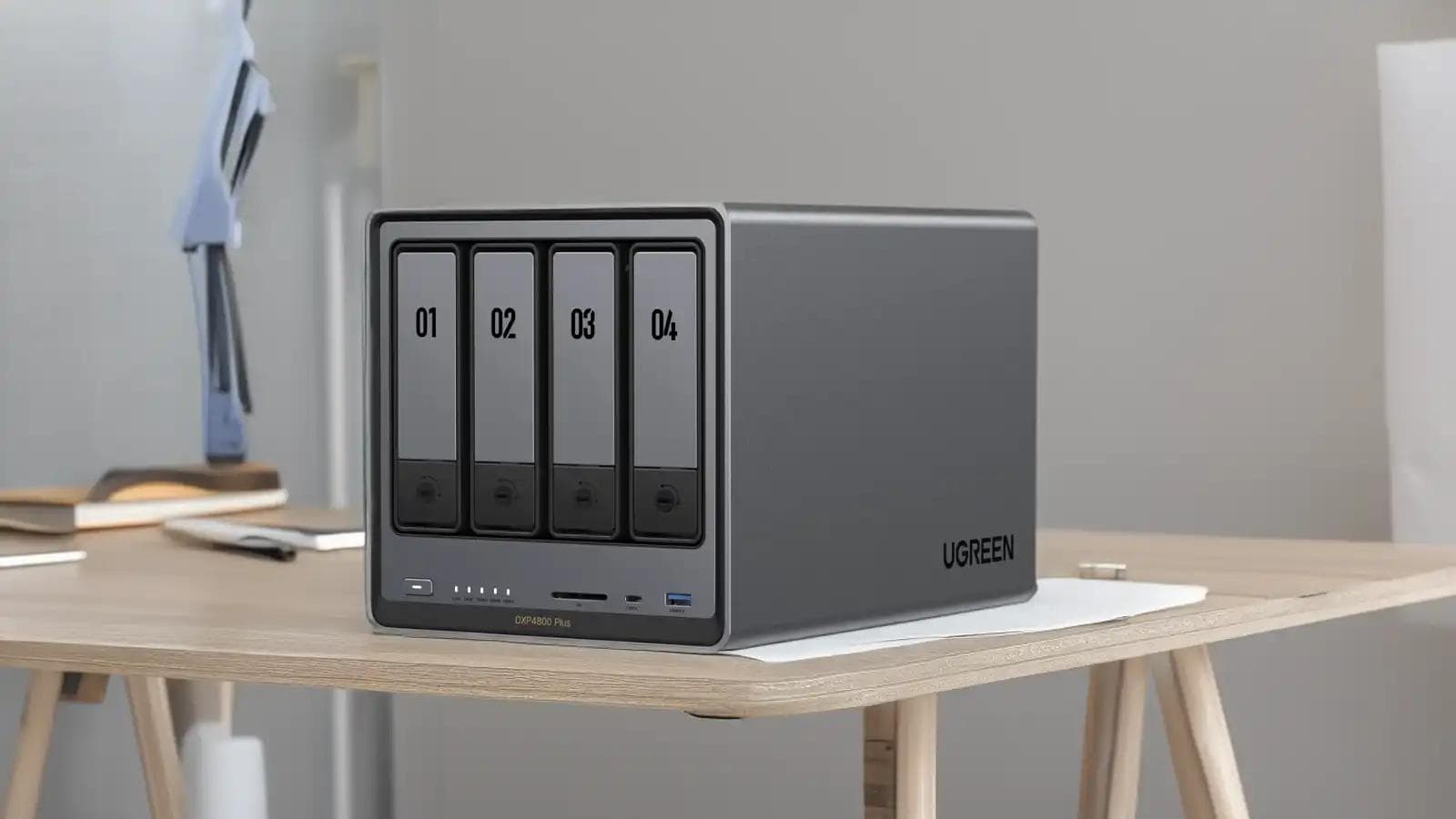
My old infrastructure was starting to reach its limits: several Raspberry Pis, a NAS that didn't belong to me, services spread across too many machines and maintenance that was becoming burdensome. I therefore migrated to a Ugreen DXP4800 Plus NAS to consolidate storage, Jellyfin, media automation and some of my backups, with secure access via Teleport.
The initial problem
The previous setup worked, but it relied on several compromises: a Raspberry Pi for Jellyfin, another for Nextcloud, and a shared Synology NAS for some of the storage. As soon as several people used Jellyfin or I had to work on the backups, the limitations became obvious.
- Video transcoding was too heavy for the Raspberry Pi.
- Storage was scattered across multiple machines.
- Maintenance required too many manual interventions.
- Sharing with friends and family posed a real security question.
Choosing the NAS
I chose the Ugreen DXP4800 Plus because it gave me enough headroom to host my services without sending power consumption through the roof. The Intel processor, the 4 bays and the ability to use Docker suited my needs better than a simple storage NAS.
- 4 3.5-inch bays, with two 14 TB disks in RAID 1 to start with.
- An Intel processor compatible with hardware transcoding.
- Reasonable power consumption for a machine left running continuously.

Jellyfin and media organisation
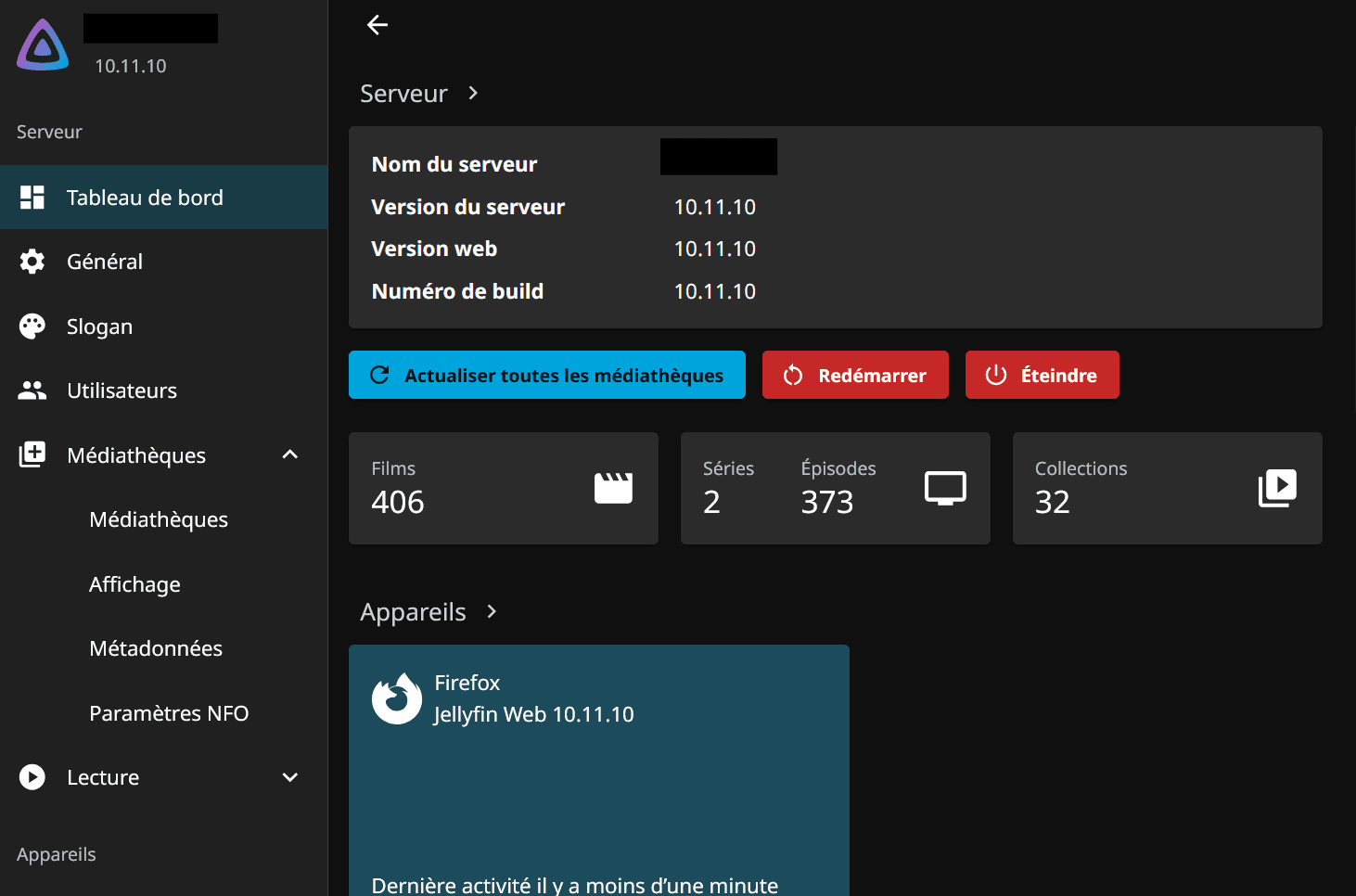
The Jellyfin migration was an opportunity to start afresh with a clearer file organisation. I separated libraries by media type, enabled hardware transcoding with Intel Quick Sync, and asked external users to use direct-play compatible clients whenever possible.
- Jellyfin runs in Docker, with media volumes mounted directly from the NAS.
- Metadata is fetched automatically from TheMovieDB and IMDb.
- Temporary files and completed downloads are cleaned up by a script after a few days.
Proxy, domains and certificates
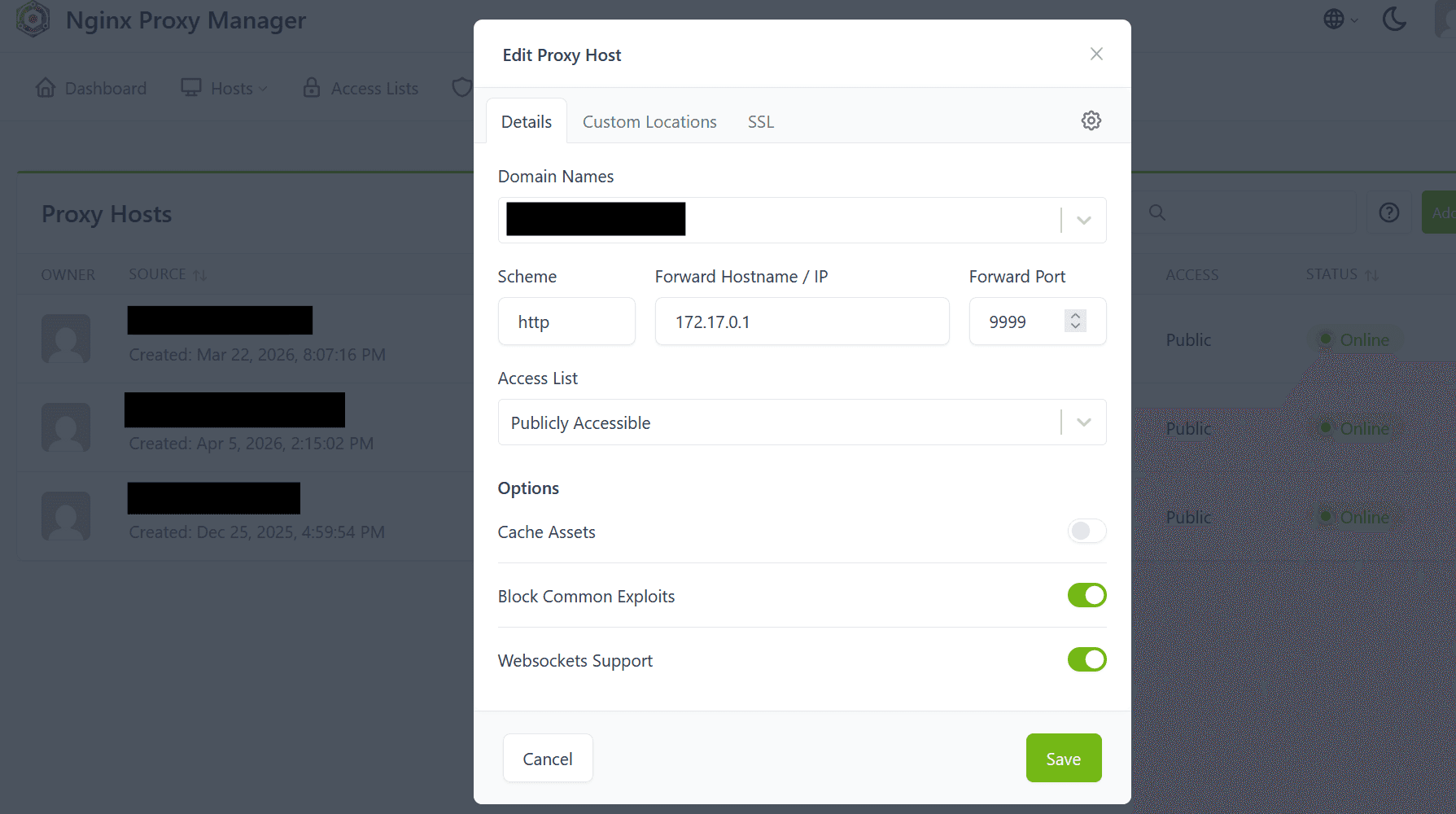
To expose certain services cleanly, I installed Nginx Proxy Manager in a Docker container. The main benefit is managing domains, Let's Encrypt certificates and redirection rules from a simple interface, without maintaining an entire Nginx configuration by hand.
- SSL certificates renewed automatically.
- Centralised redirections for exposed services.
- Access restrictions when the service doesn't need to be public.
Remote backups
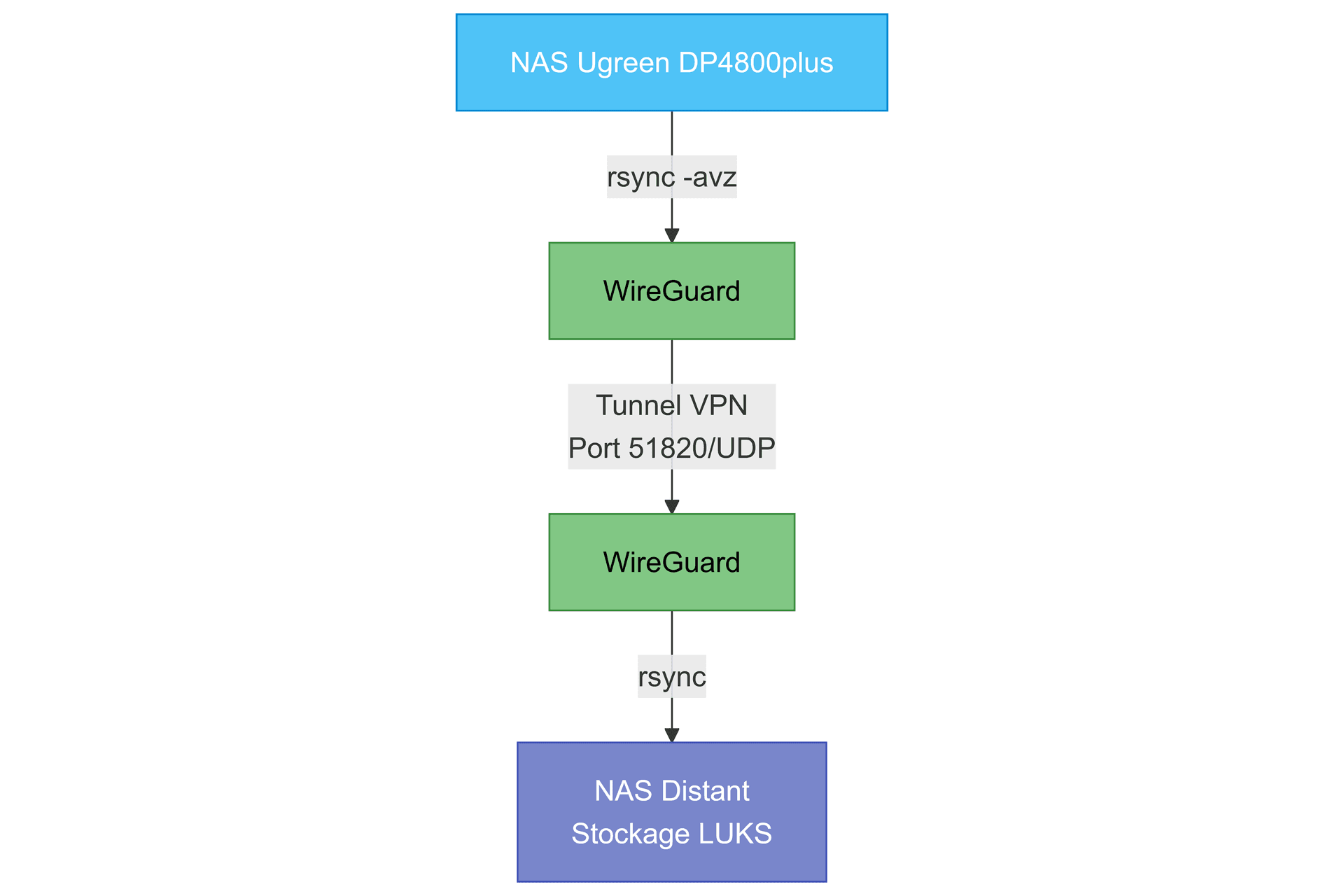
To prevent a local incident from compromising my data, I set up incremental backups to a second NAS located at a friend's/relative's house. Both machines communicate through a WireGuard tunnel, then rsync transfers only the modified files.
- Dedicated WireGuard tunnel between the two NASes.
- Nightly synchronisation with rsync.
- Remote volume encrypted with LUKS and failure notifications.
Secure access with Teleport
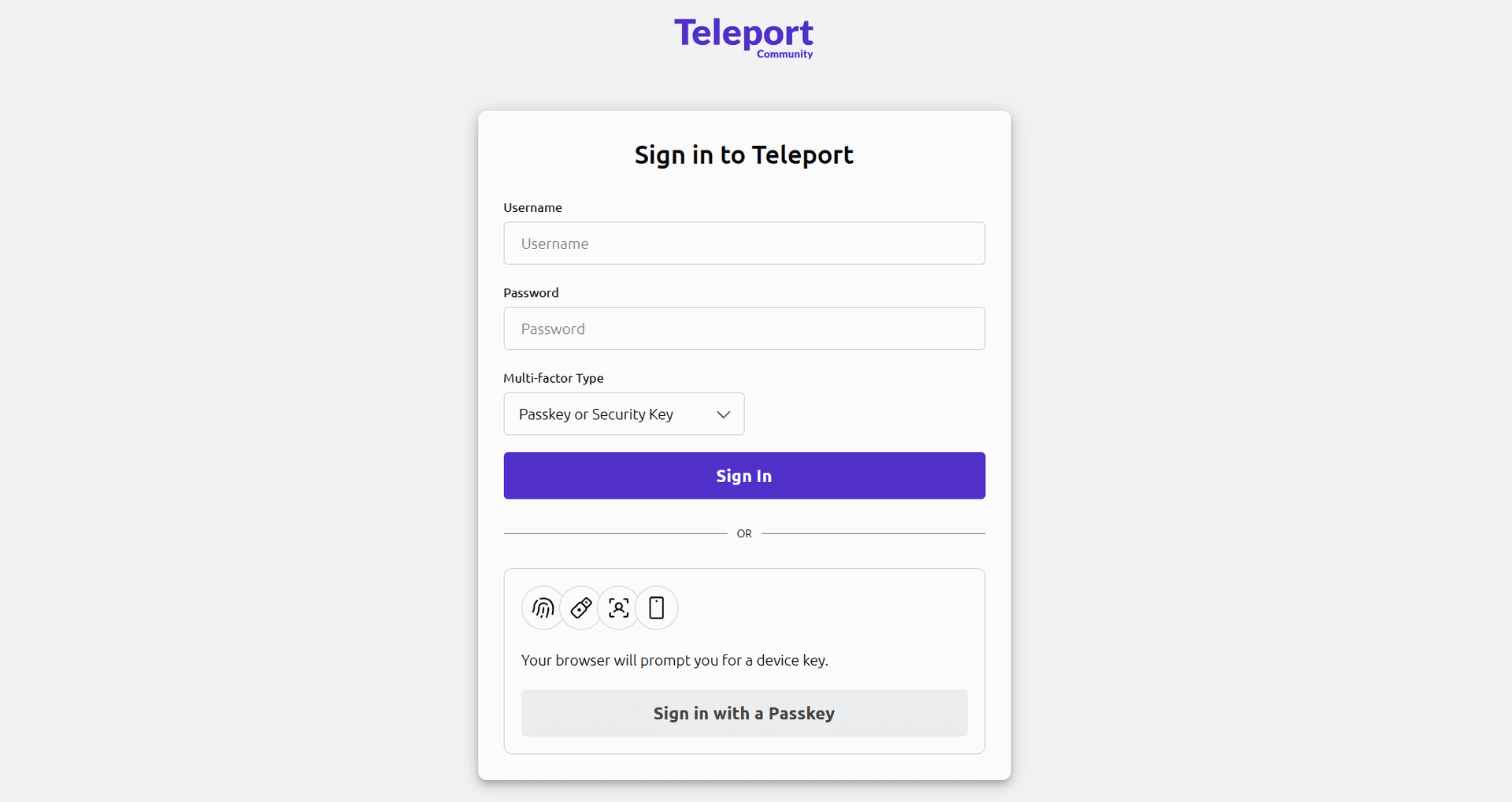
I didn't want to expose Jellyfin directly to the internet with simple application accounts. Teleport serves as my single entry point: each person has their own account, two-factor authentication is mandatory, and I can revoke access without touching the entire infrastructure.
- Separate accounts with limited roles.
- Mandatory 2FA for all external access.
- Jellyfin is no longer directly accessible without going through the bastion.
Conclusion
Above all, this migration has reduced fragmentation. The main services are grouped together on a more suitable machine, backups are clearer, and external access is better controlled. There are still areas to monitor, notably documentation and restoration tests, but the infrastructure is much simpler to scale than before.