20 July 2025
Centralisation with Proxmox and optimisation
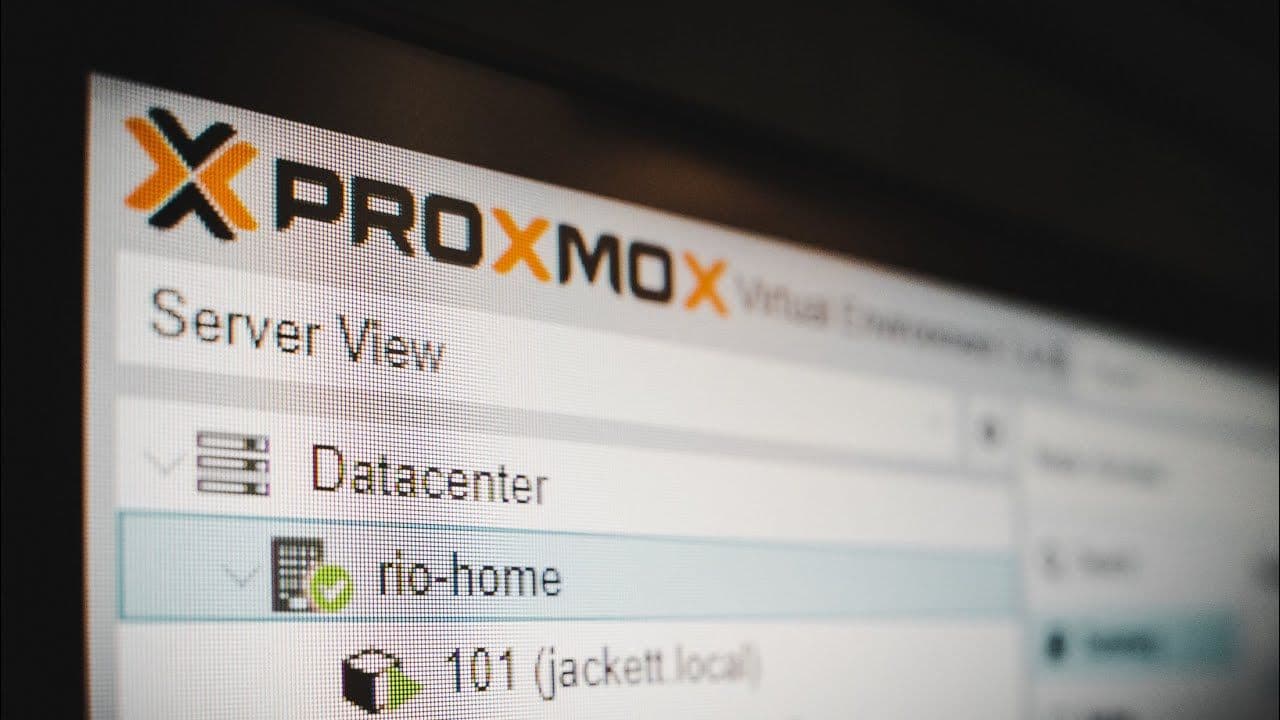
By adding new self-hosted services, I ended up with several Raspberry Pis to maintain across two sites. I migrated this part of the infrastructure to Proxmox to centralise the machines, better isolate uses and keep a clearer overview of what is running.
Migration objective
The goal was not just to replace hardware. I wanted to reduce the number of physical machines, simplify backups and be able to redeploy a service without having to do everything by hand. Proxmox stood out because it remains lightweight, well-documented and suited to serious homelab use.
Hardware choice
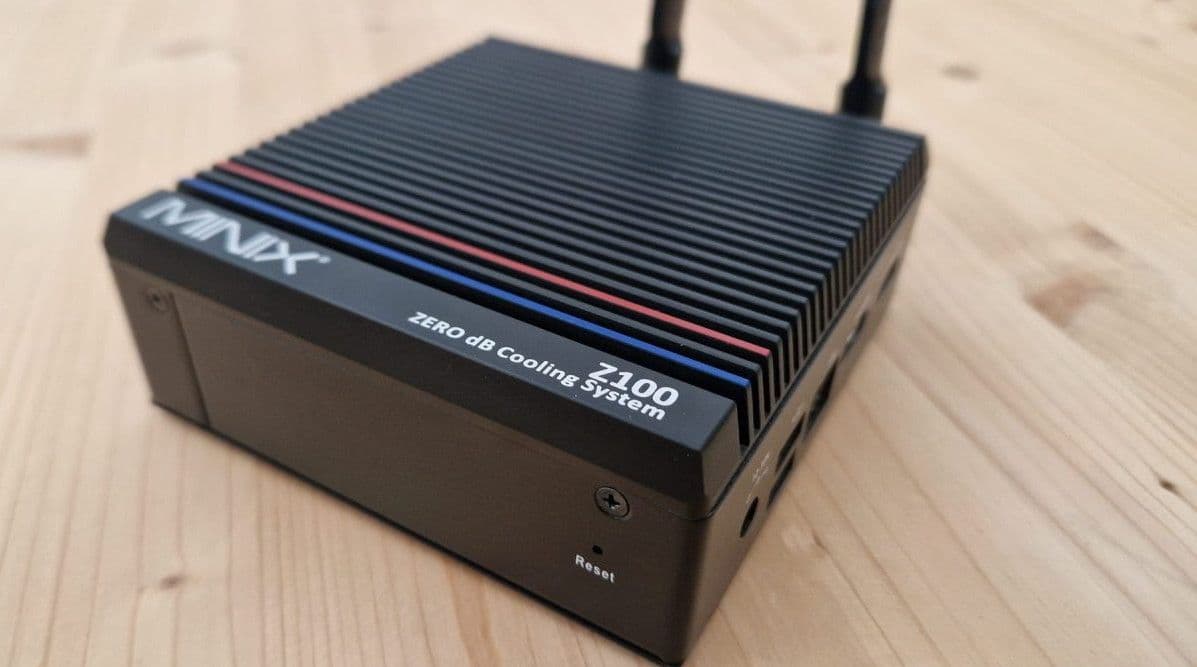
I compared several mini-PCs, looking mainly at three criteria: power consumption, cooling and headroom for computing. I eventually settled on two machines with different roles.
- A Beelink with a higher-performance AMD processor, useful for cleanly allocating resources to virtual machines.
- A passively cooled Minix, which is interesting for a site where silence and low power consumption matter a lot.
Chosen architecture
I chose to use full virtual machines rather than LXC containers for the main services. This is a bit more resource-intensive, but the isolation is clearer and the separation between systems is more comfortable to maintain.
- A dedicated VM for Home Assistant OS.
- A Debian VM for Docker and associated services.
- Resources allocated predictably according to each machine's role.
Monitoring and redeployment
After the migration, I added Portainer to better monitor the state of the containers and make redeployments easier. Each service has a dedicated Docker Compose file, supplemented by a few Bash scripts when the configuration requires more steps.
Assessment
This centralisation makes the infrastructure easier to understand. I can move, restore or redeploy a service more quickly than before, while keeping a clear separation between home automation, Docker and other uses. The next step will mainly be to improve documentation and VM backups.